

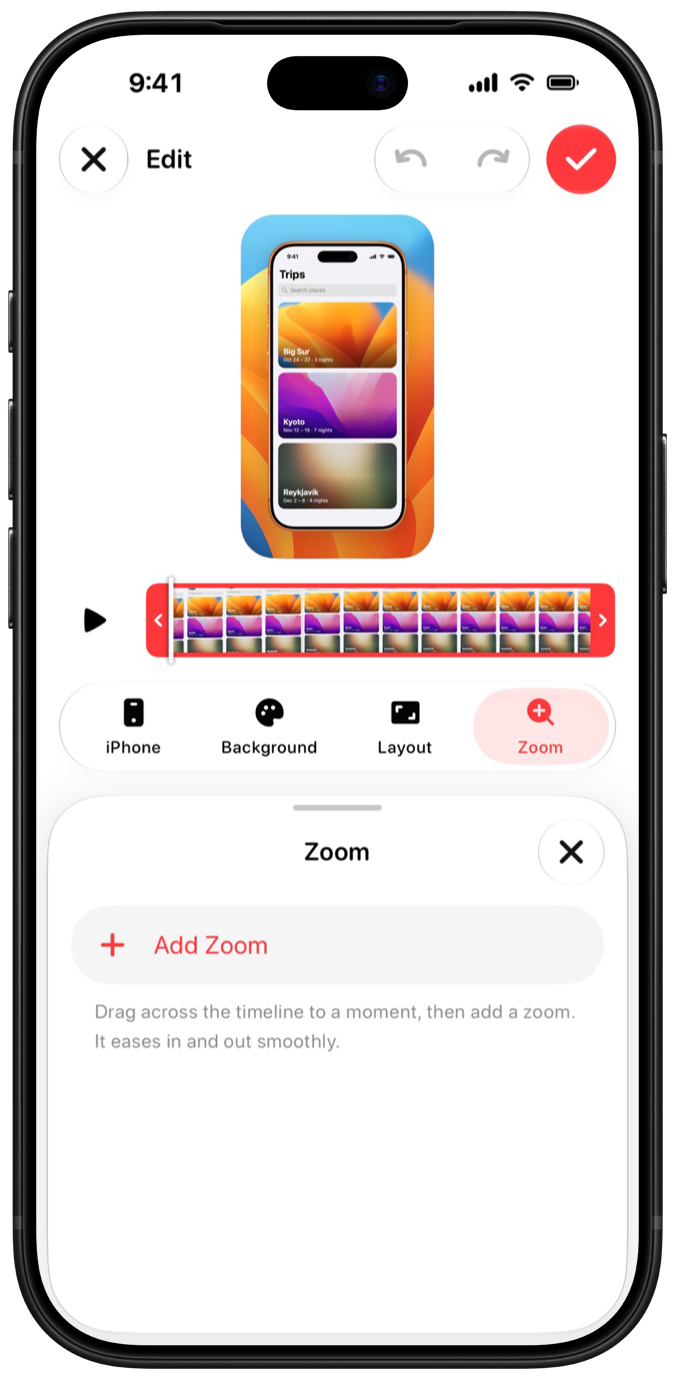
Yours, on every iPhone.
Recordings and edits sync through your private iCloud. Reinstall or switch phones, and your work comes back.
Screen recorder for iPhone
Record any app. Demoty sets it in a real iPhone, ready to share.
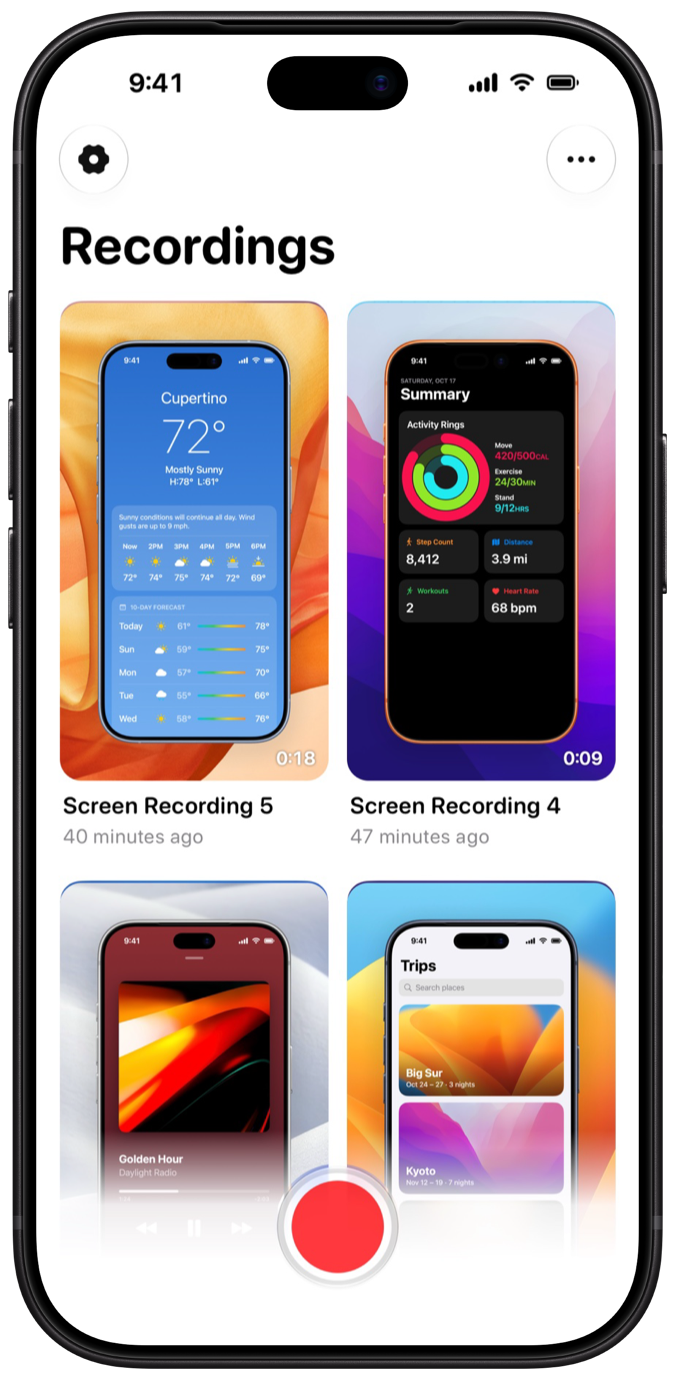
Coming soon to the App StoreTap the red button and use any app. Demoty keeps recording in the background until you come back and tap Stop.
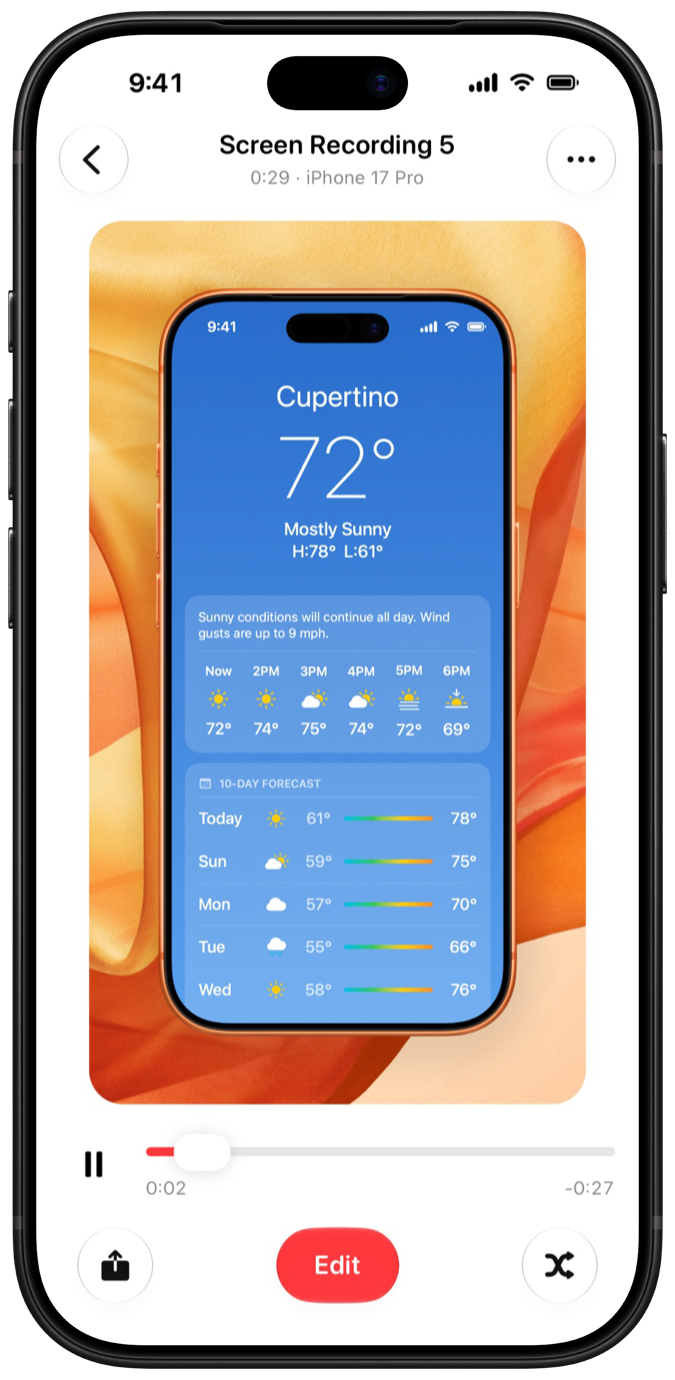
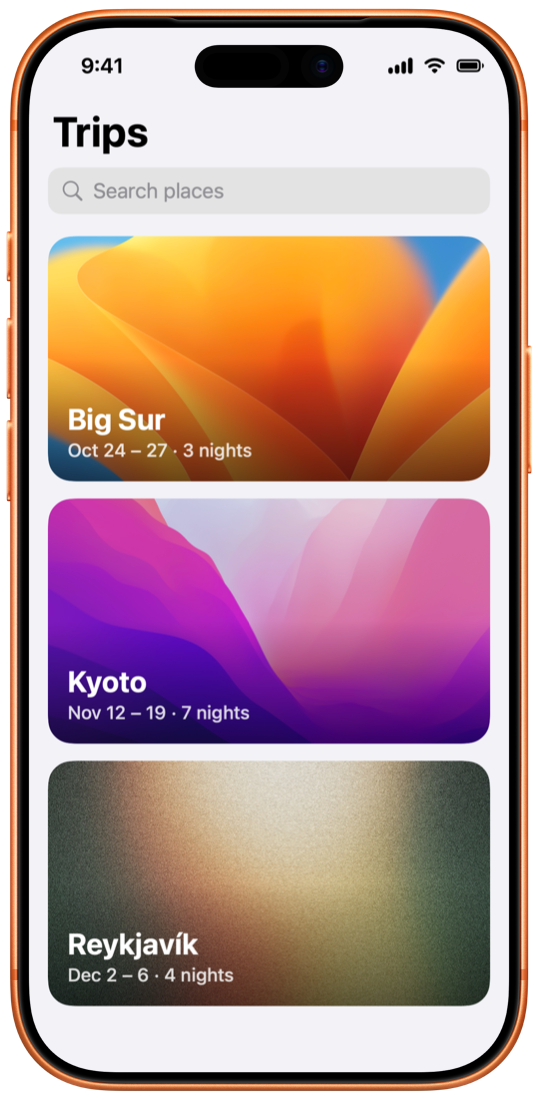
Your recording opens inside a real iPhone, on a background, already looking finished.
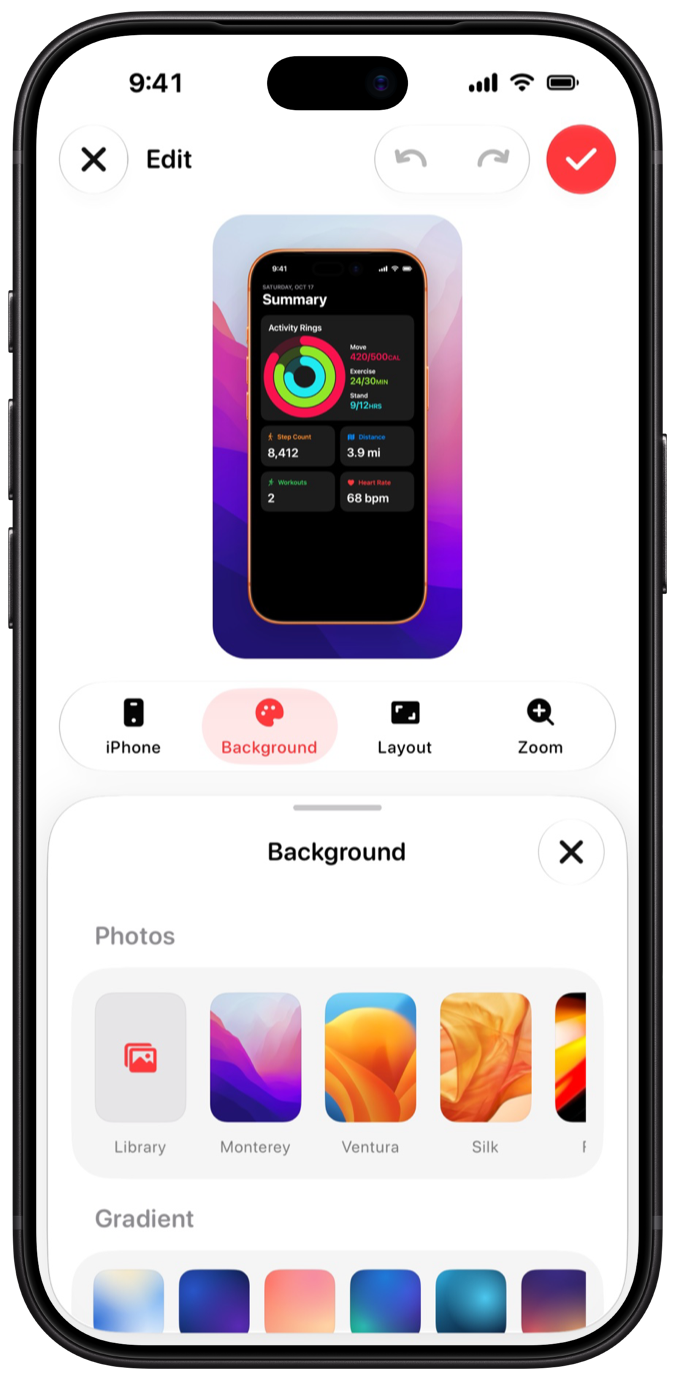
Pick the iPhone and its colour, a photo or gradient, then blur it or lay a pattern over it.
Cut the start and end, zoom in on the details, and save to Photos in 1080p or 4K.
Apple's own frames for iPhone 17, 17 Pro, Pro Max, iPhone Air and the iPhone 18 lineup. Drag the iPhone anywhere on the canvas.
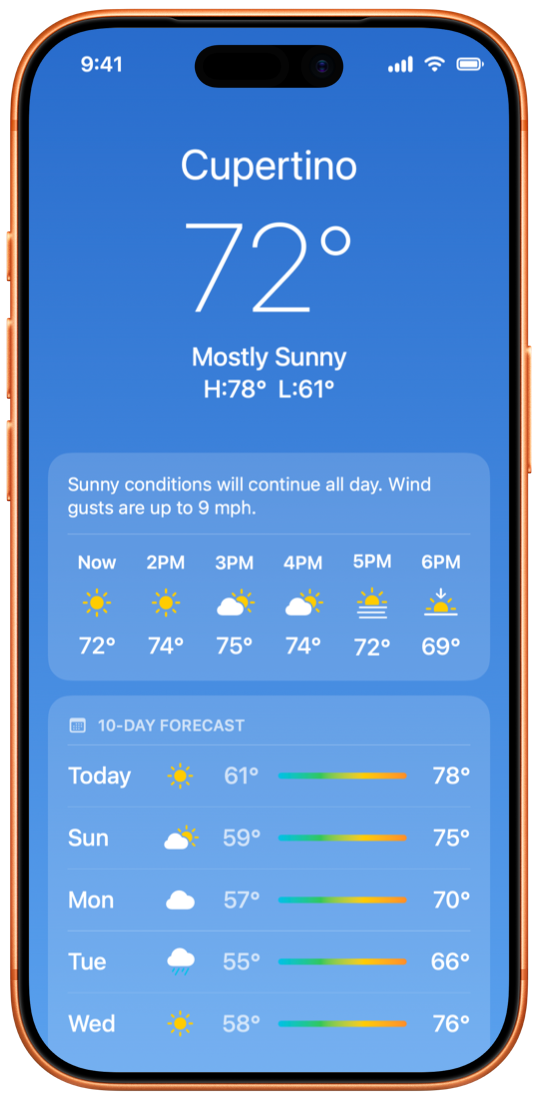
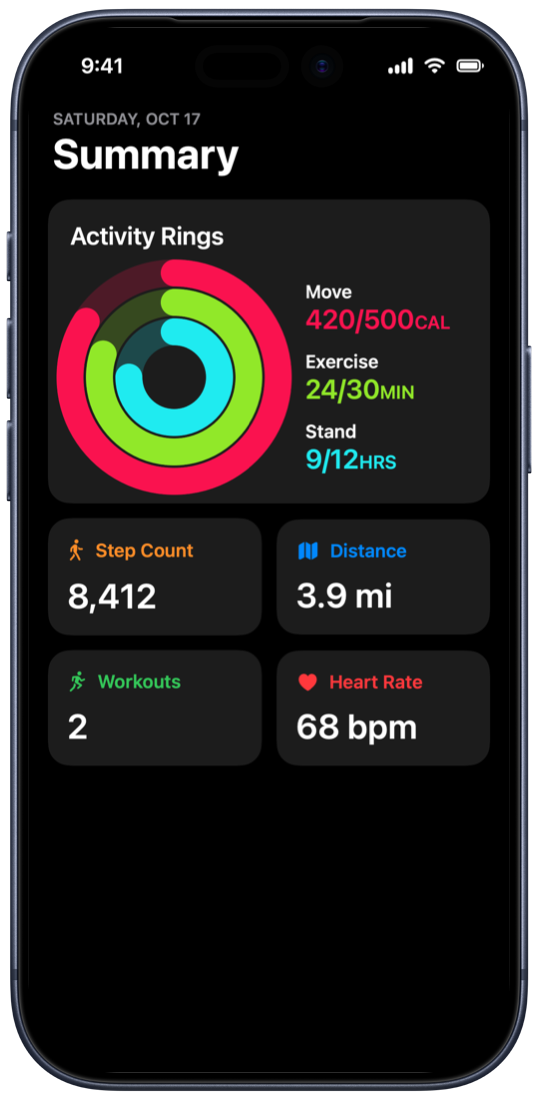
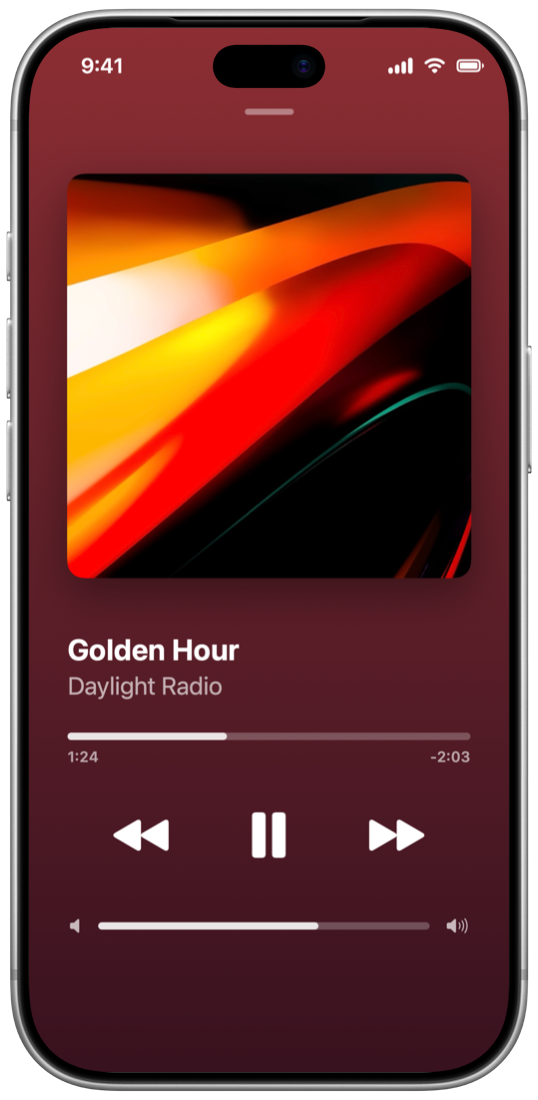
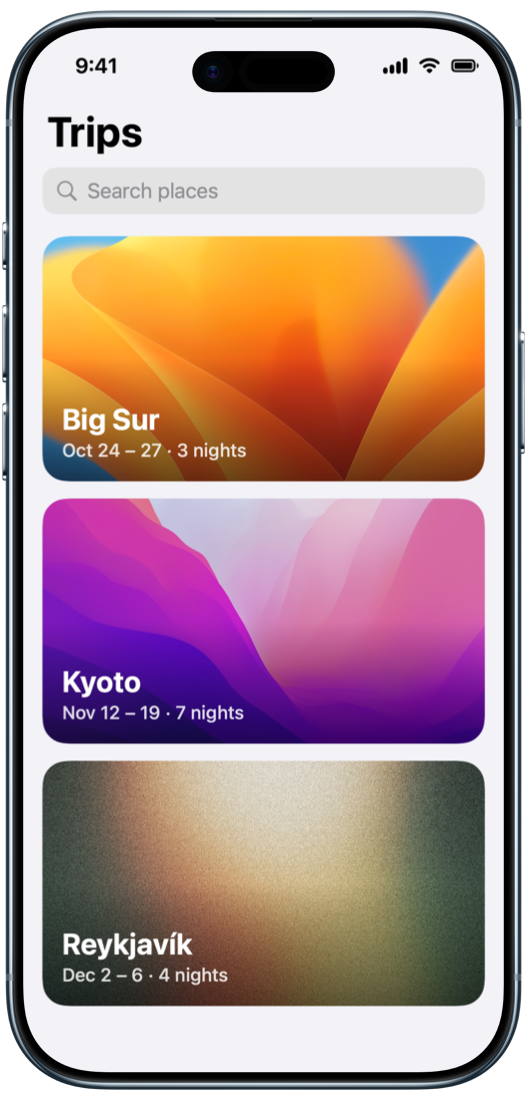
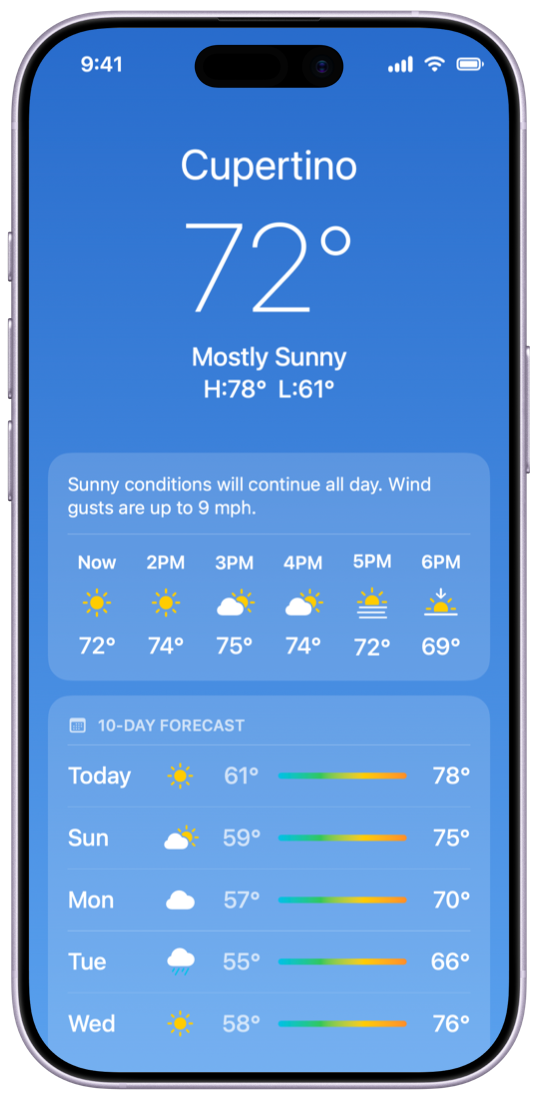
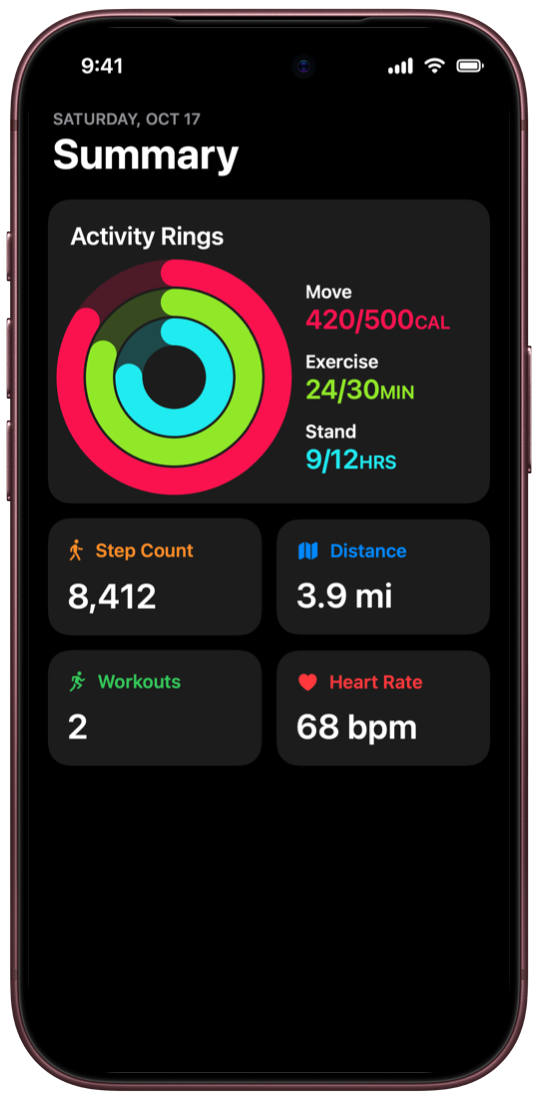
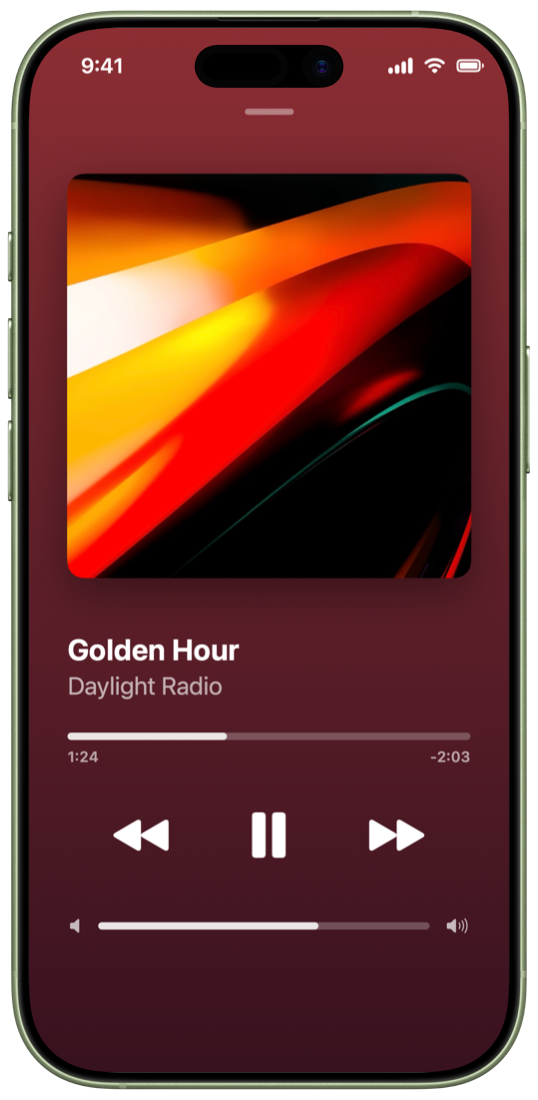
Try it
This is the editor, more or less. Pick a background and a frame and watch it change.
Background
iPhone 17 Pro · Cosmic Orange
Pattern
Recordings and edits sync through your private iCloud. Reinstall or switch phones, and your work comes back.
Demoty doesn't ask who you are and doesn't collect anything. Your videos go where you send them.
$0
$2.99 a month
$7.99 every 3 months, or $29.99 once.
Demoty records whatever is on your screen. A few apps protect their content, like some video streaming apps, and those show as black, as they do in any screen recording.
Any iPhone with iOS 26 or later.
On your iPhone, and in your private iCloud if iCloud Sync is on. You can turn it off in Demoty's Settings.
Every iPhone frame beyond the iPhone 17, your own photos as backgrounds, and exports longer than 10 seconds.
Subscriptions are handled by Apple. Cancel anytime in Settings › your name › Subscriptions, at least a day before it renews. Lifetime is a one-time purchase.