

No internet neededNo signal? No problem.
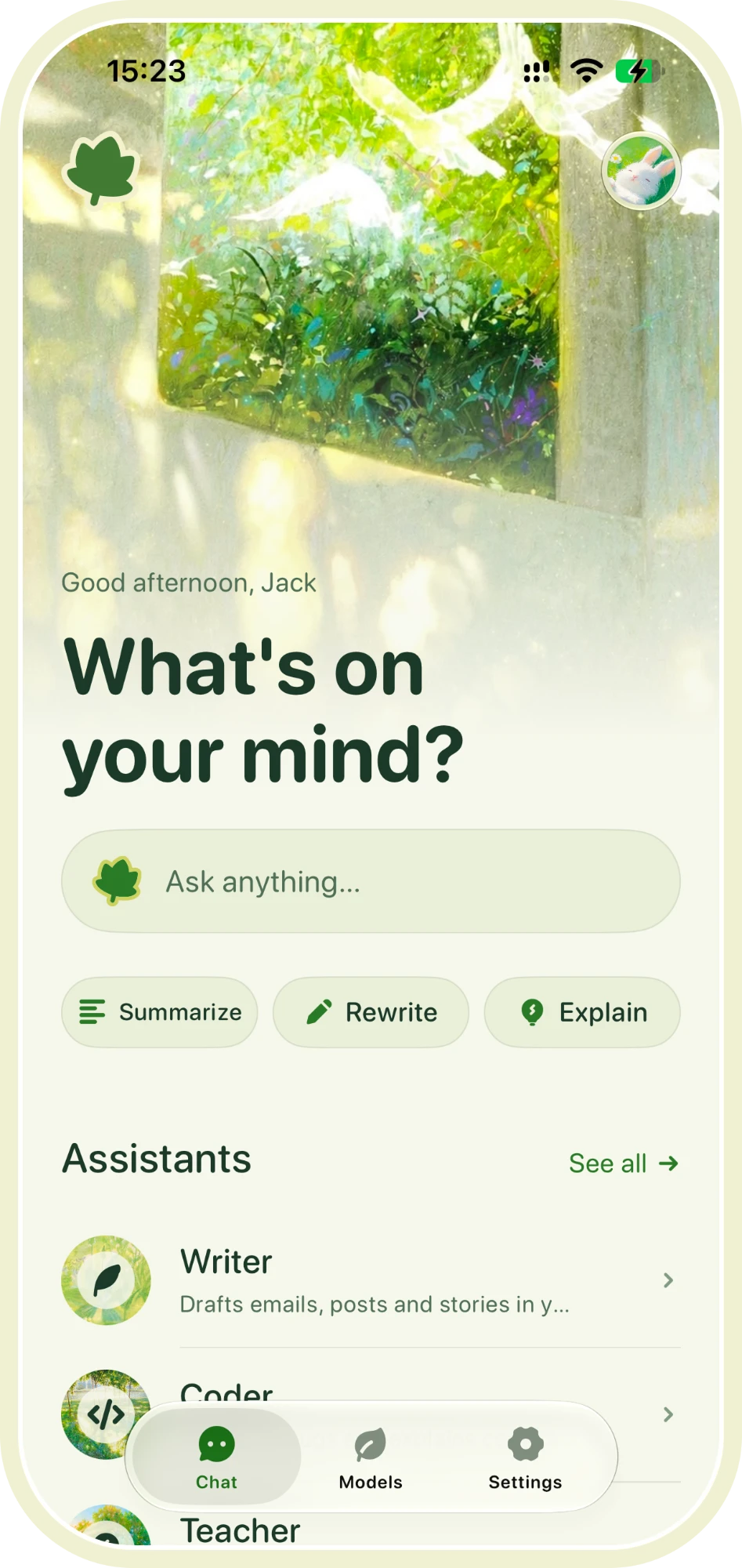
Laifline runs AI right on your phone. Download a model once, then chat without internet or a subscription—even in airplane mode.
Cloud AI sends every message to a server far away. Laifline is offline AI: it answers on your iPhone itself, so your words have nowhere to go.
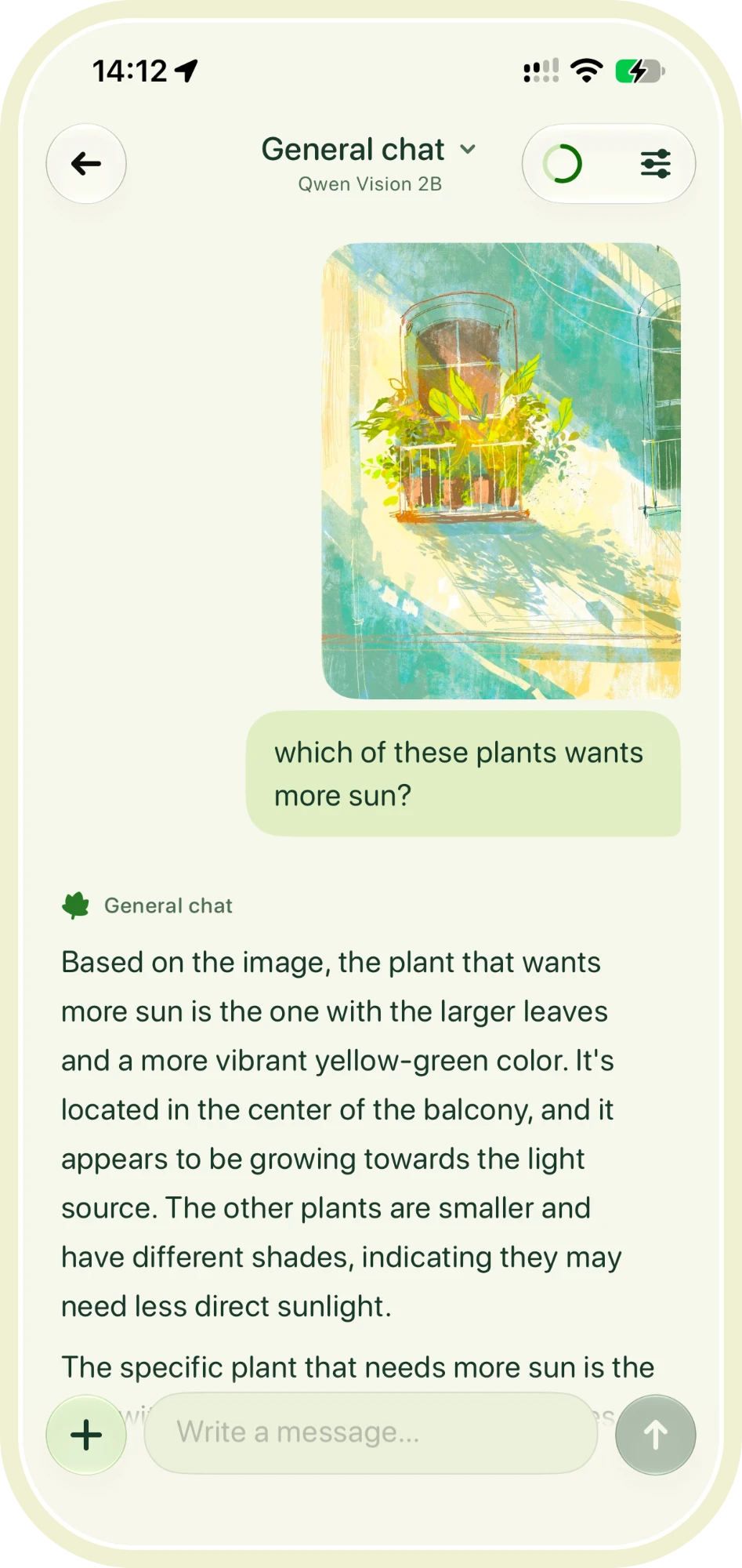
Everything you'd want from an assistant, running on your iPhone's own chip with no connection needed.







AI is becoming part of how we think, and most of it lives in the cloud, a connection away and always listening. We made Laifline for the other way.
Offline AI runs on your own iPhone. It works without a signal, it never waits for a server, and it keeps nothing for itself. A thought on the train, a question at 2 a.m., a page you'd rather nobody read: all of it stays with you.
Everything people ask before running AI on their own phone, with no internet.
AI that runs on your own device instead of in the cloud. Laifline downloads a model to your iPhone once, then every answer is written right there, with no connection at all.
Yes. You need a connection once, to download a model. After that every reply is written by your iPhone itself, even in airplane mode.
Straight from Hugging Face, from each creator's own page or a well-known community packager. Laifline asks first, and checks every file before you chat.
Laifline requires iOS 26 or later. Model compatibility depends on your iPhone’s memory and free storage; the app suggests a lighter model when needed.
Yes, and only the ones you choose. Pick a model marked "Sees images", add a photo in chat and ask away. It's read on your iPhone, with no upload.
Settings, then Account, then Erase everything. Or simply delete the app; we never had a copy.
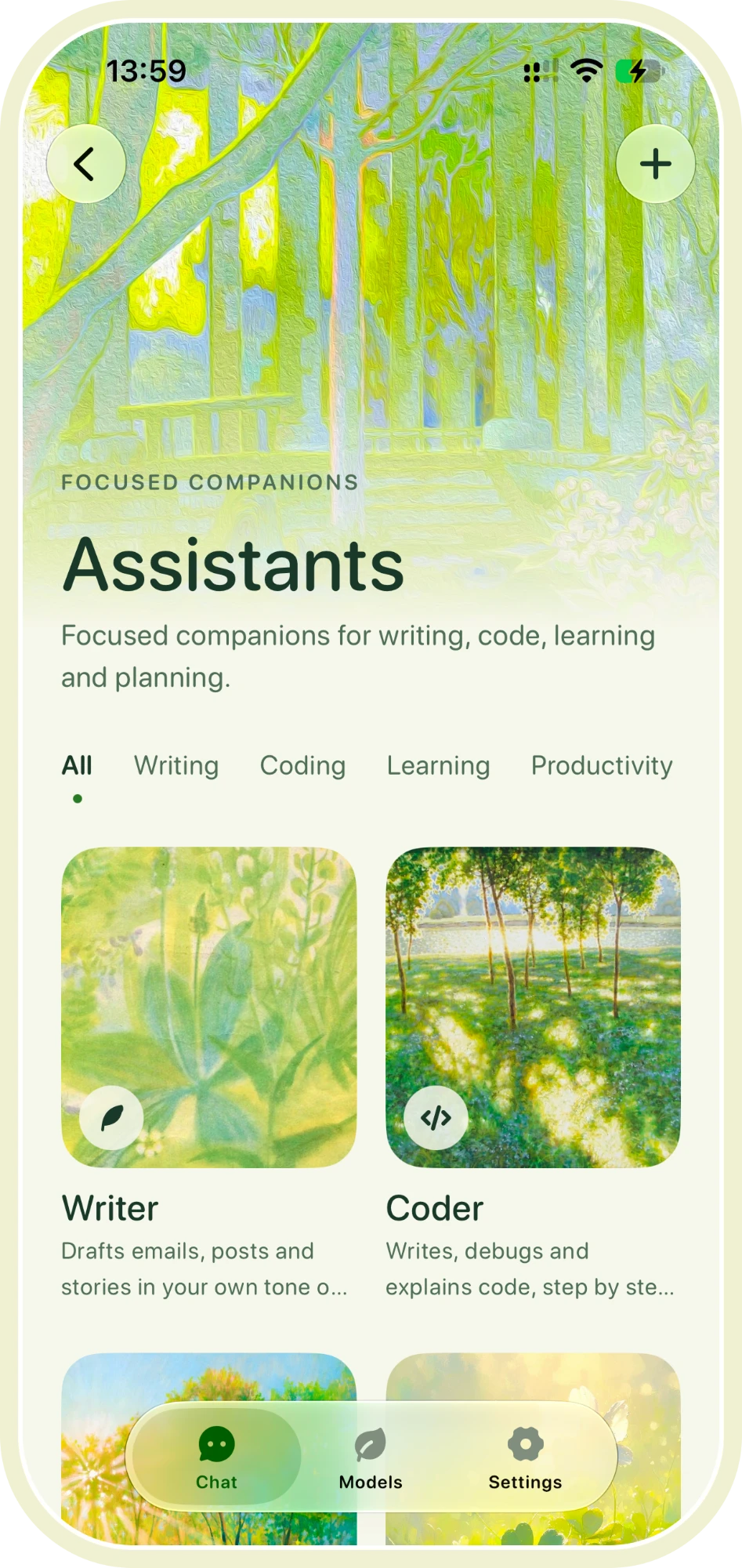
Download a model once. Keep it for good, no internet needed.
Download on the App Store Requires iOS 26 or later